PDF Compressor
Reduce PDF file size quickly, right in your browser.
Click to upload or drag and drop a PDF
How to Use the PDF Compressor
Step 1: Access the tool
Open the PDF Compressor from the ToolBay homepage or by navigating directly to this page.
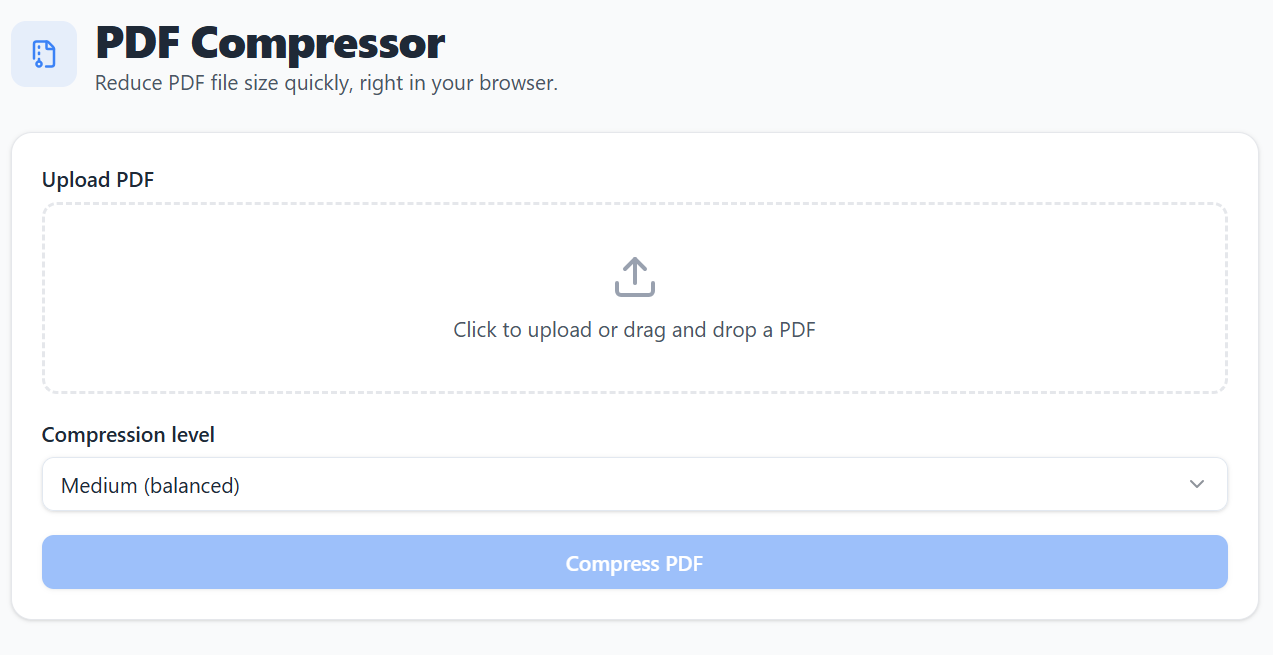
Step 2: Upload your PDF and choose a compression level
Drag and drop your file or click to upload, then pick Low, Medium, or High compression depending on how much you need to shrink it.
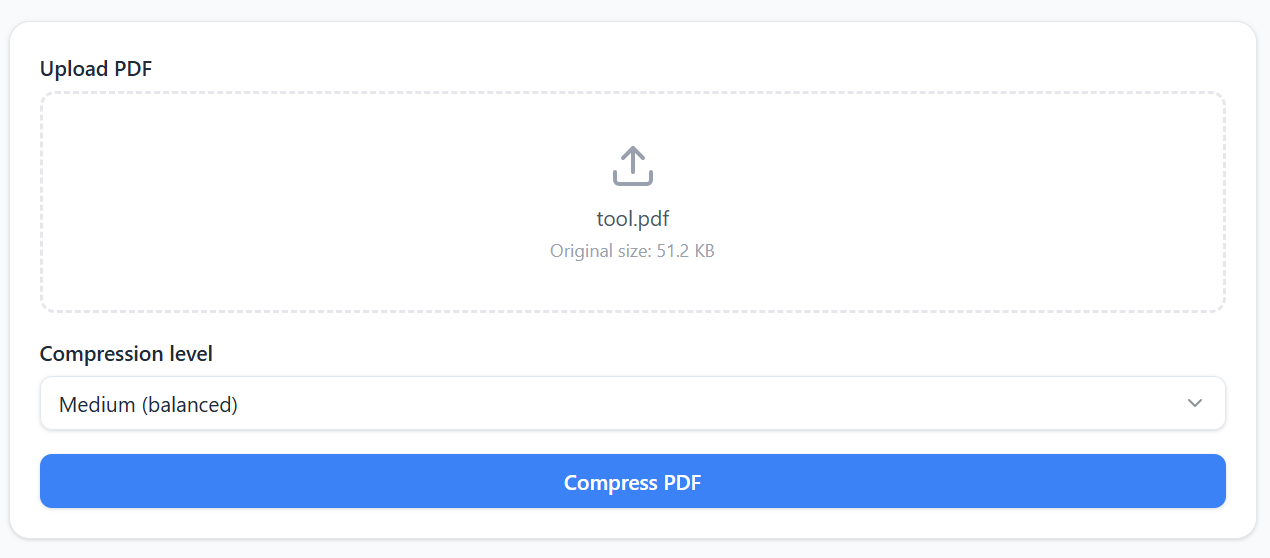
Step 3: Compress and download
Click "Compress PDF," wait for processing to finish, and download your smaller file.
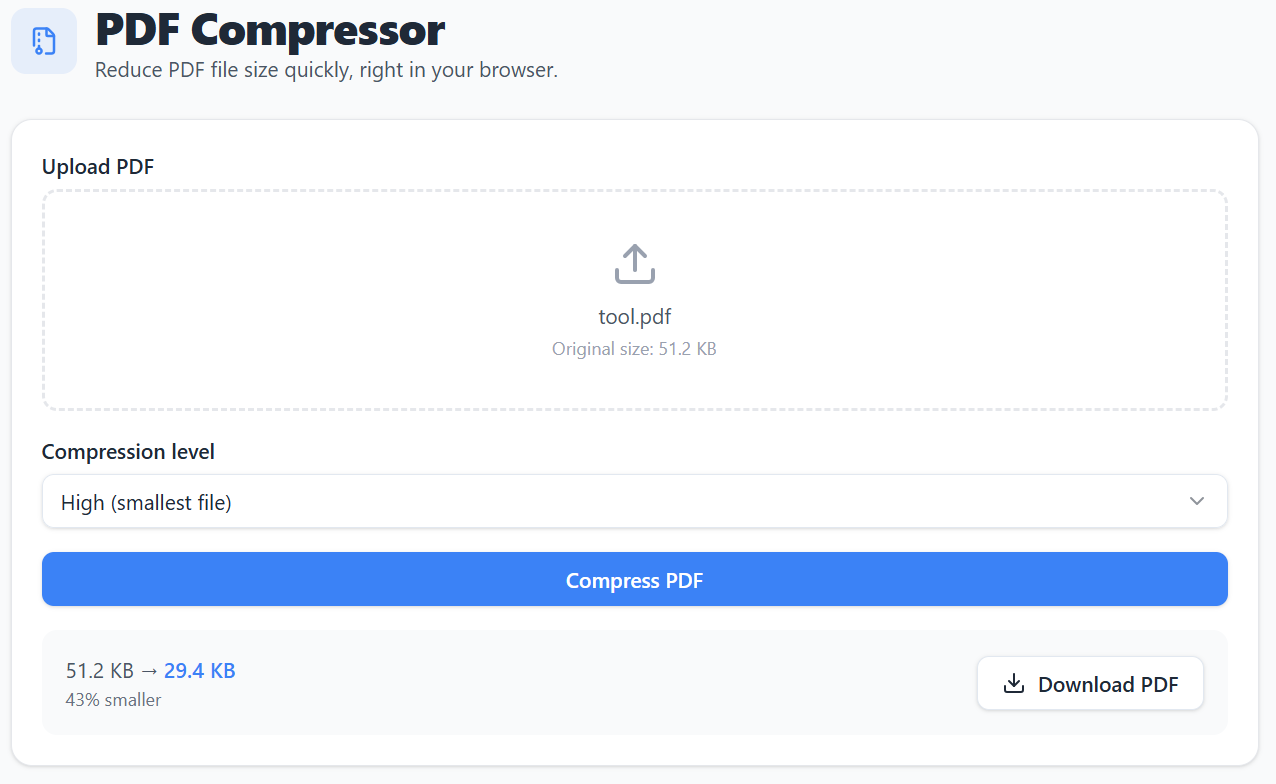
⚠️ Disclaimer: Compression works by re-rendering each page as a compressed image, which reduces file size but also lowers image resolution and clarity compared to the original — results won't always match your expectations. This is more noticeable at higher compression levels, and text may no longer be selectable or searchable after compression. Some PDFs (especially scanned or image-heavy ones) shrink significantly, while text-heavy PDFs may shrink very little. Always review the compressed file before relying on it for an important document. This tool is provided as-is with no guarantee of a specific result, and we're not liable for any issues arising from its use.
Features of This PDF Compressor
Reduce PDF file size quickly with adjustable compression levels.
Multiple Compression Levels
Choose from Low, Medium, or High compression
Browser-Based Processing
No uploads to servers — everything runs locally
Progress Tracking
See real-time compression progress
Size Comparison
View original and compressed file sizes
One-Click Download
Download your compressed PDF instantly
100% Private
Your PDF never leaves your device
Why a PDF Compressor Matters
How shrinking PDFs fits into everyday sharing and work.
Why PDF size matters
Large PDFs bounce off email attachment limits, slow down uploads to portals, and take forever to send over a weak connection. A smaller file just moves faster.
Who typically needs this
Anyone emailing scanned documents, submitting forms to a slow government or school portal, or attaching reports and portfolios that came out heavier than expected.
What's painful about doing it manually
Most compressors force a signup, cap file size on the free tier, or upload your document to a server you don't control. A direct, in-browser tool skips all of that.
Where it fits in your workflow
Compress right before you attach, upload, or archive — the output is ready to send immediately, no extra conversion step needed.
Frequently Asked Questions
Get answers to common questions about our free PDF compressor tool.