PNG to JPG / JPG to PNG
Convert images between formats, right in your browser.
Click to upload or drag and drop a PNG/JPG
How to Use the PNG/JPG Converter
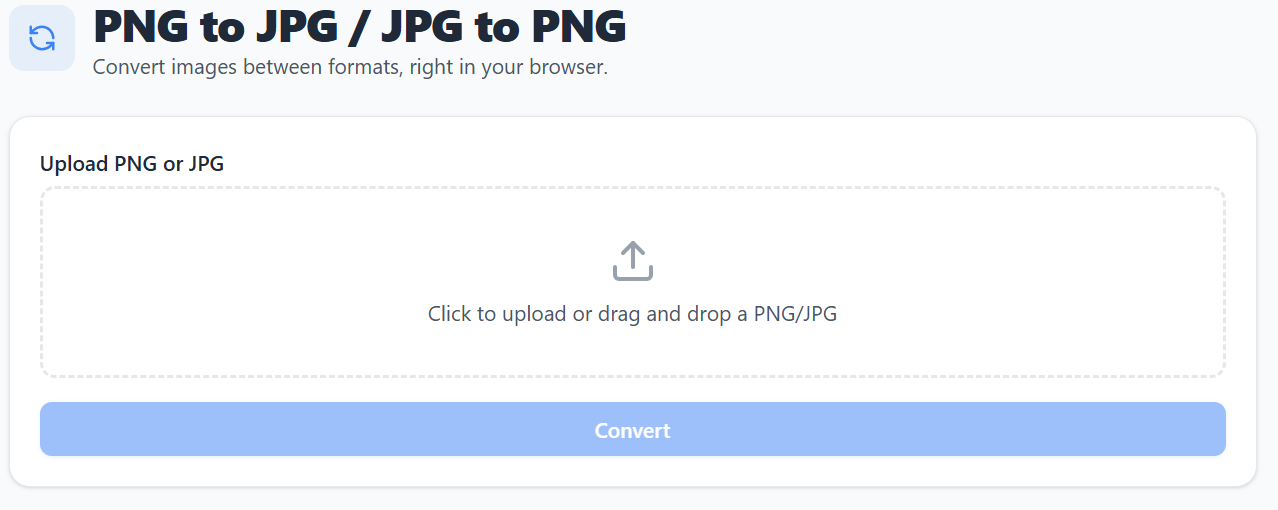
Step 1: Access the tool
Open the PNG to JPG / JPG to PNG converter from the ToolBay homepage or by navigating directly to this page.
Step 2: Upload your image
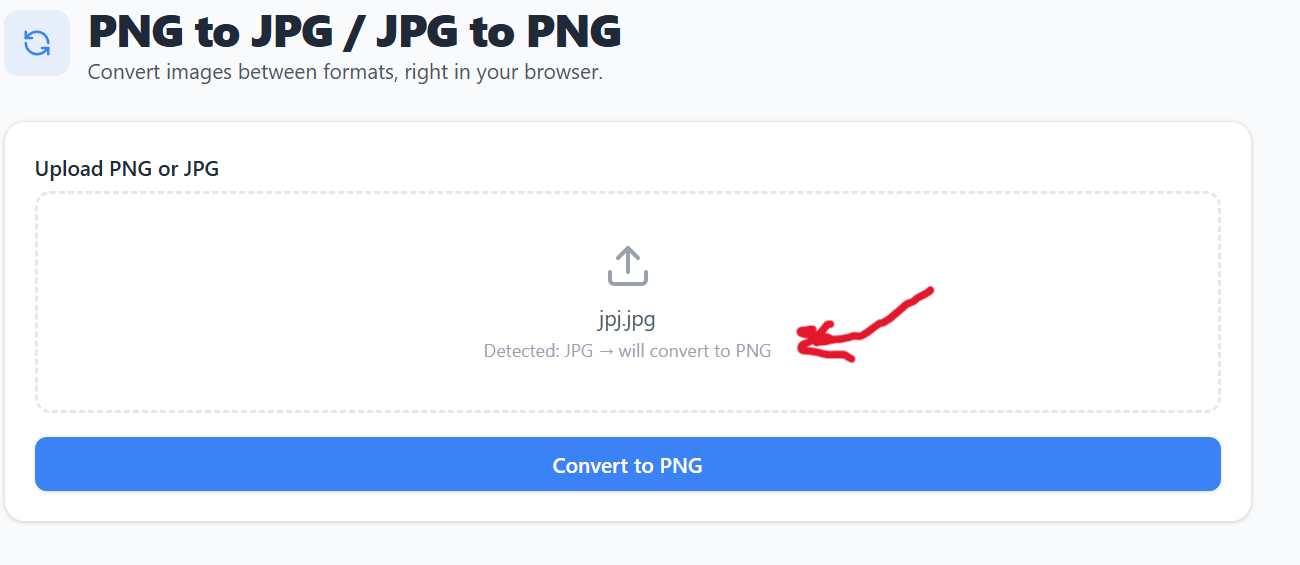
Drag and drop or click to upload a PNG or JPG file — the tool automatically detects the format and shows what it'll convert to.
Step 3: Convert and download
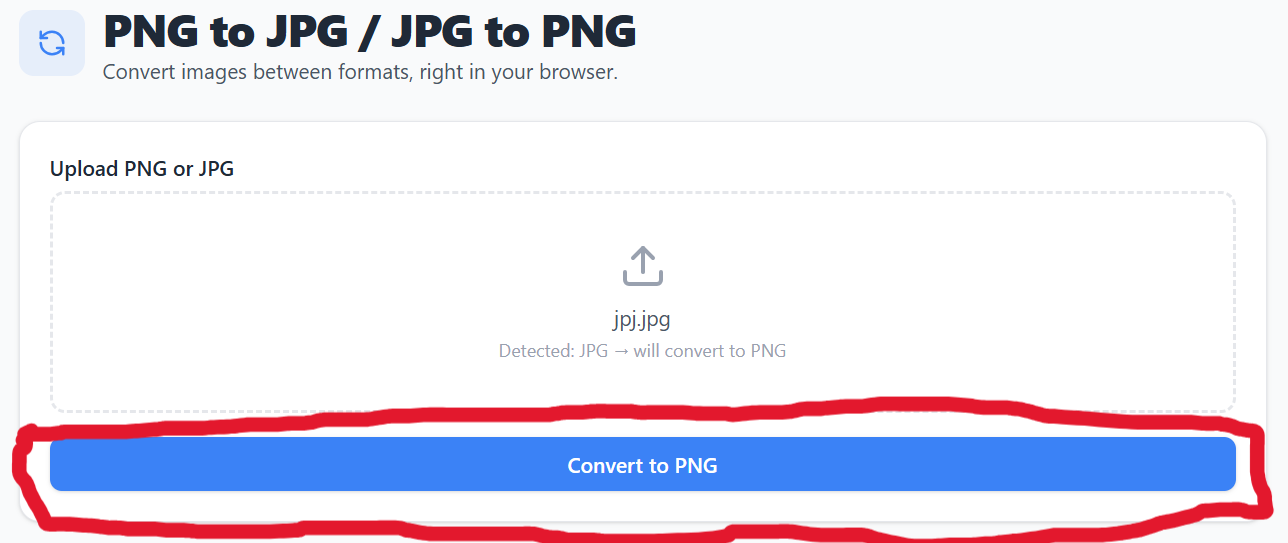
Click Convert, preview the result, and download your new file.
⚠️ Disclaimer: Converting PNG to JPG removes transparency (replaced with a white background) and applies lossy compression, which may reduce image quality depending on the quality setting chosen. Results won't always match your expectations, especially for images with fine detail or transparency. Always review the converted file before relying on it for an important use. This tool is provided as-is with no guarantee of a specific result, and we're not liable for any issues arising from its use.
Features of This Image Converter
Convert images between PNG and JPG formats instantly in your browser.
Bidirectional Conversion
Convert PNG to JPG or JPG to PNG
Adjustable Quality
Control JPG compression quality for PNG to JPG
Transparency Handling
Transparent areas become white when converting to JPG
Instant Preview
See the converted image before downloading
One-Click Download
Download your converted image instantly
100% Private
Your images never leave your device
Why an Image Converter Matters
How switching image formats fits into everyday design and sharing work.
Why format matters
PNG preserves transparency and sharp edges, ideal for logos and graphics. JPG produces much smaller files, ideal for photos. Using the right one saves space and looks better.
Who typically needs this
Designers exporting assets in the right format, website owners shrinking photo sizes, and anyone whose photo app or client insists on one specific format.
What's painful about doing it manually
Most converters force a signup, add a watermark, or cap the number of free conversions. A direct in-browser tool skips all of that friction.
Where it fits in your workflow
Convert right before uploading to a site, sending in an email, or importing into design software that only accepts one format.
Frequently Asked Questions
Get answers to common questions about our free PNG/JPG converter tool.